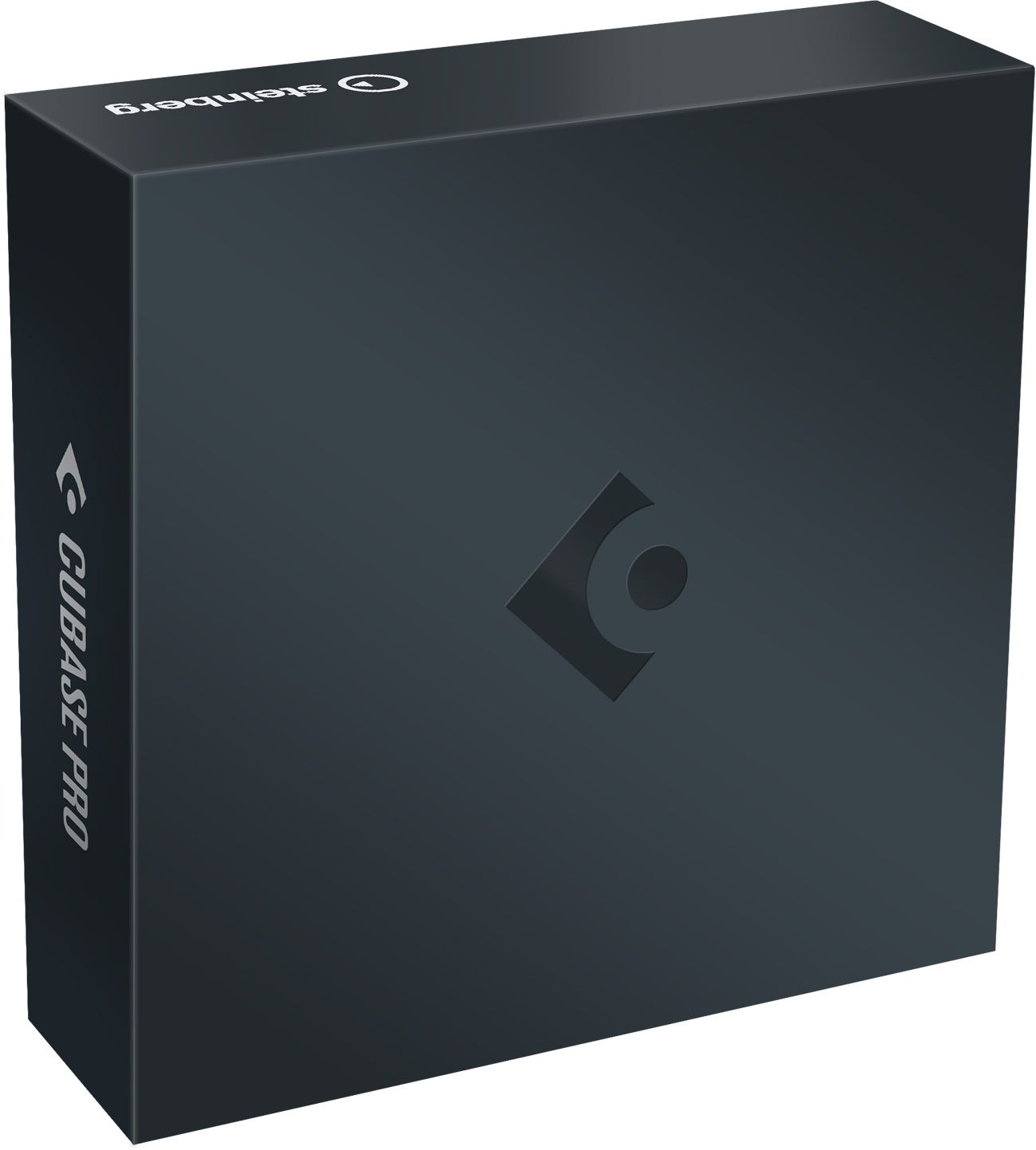
Code: 8195
In Stock
The Cubase Hub has been substantially redesigned to make it easier for inexperienced users to get started, while also offering advantages for experienced users.
You can separate mixed audio events into individual tracks based on the included instrument types.
The new Melodic Mode of the Pattern Editor allows to create melodic sequences, both monophonic and polyphonic.
Six new modulators provide new possibilities to create, shape, and modify modulation signals: Random, Attack Decay, Morph LFO, Wavefold LFO, Crossfader, and Sample & Hold.
Cubase now supports the easier to use registered (RPN) & assignable (NRPN) controllers from the MIDI 2.0 protocol.
The expression map features have been completely redesigned to make it simple to add and edit expressions that are musically significant.
UltraShaper is a dynamic range compressor that automatically adjusts the make-up gain to maintain a consistent output level. Its clip stage prevents the amplitude of the output signal from exceeding 0 dBFS and allows for additional sound shaping. The plug-in is described in the separate document Plug-in Reference.
PitchShifter is a pitch-shifting effect plug-in that allows you to adjust the settings for the left and right channels of a stereo signal separately. The plug-in is described in the separate document Plug-in Reference.
Volume and pan can now be added as track controls.
You can adjust the scaling of the user interface of plug-in effects to your needs.
The hot swap function allows for immediate replacement of a sample by selecting another sample in the Media Rack.
The revised context menu for automation tracks now exclusively displays automation-related functions. Additionally, it allows you to limit the display of automation tracks to a specific plug-in effect.
Clicking the automation parameter name on an automation track now directly opens a selector with a search option.
New Automation Panel options provide faster access to the automation tracks of the last touched parameters.
The VST Plug-in Manager has received an UI overhaul which brings it in line with the overall sequencer design and fixes several UI issues.
The Quick Audio Export function allows you to quickly export a mixdown of the entire project with the default settings, without the need to check and adapt various settings and options.
You can now show the buffer size currently selected in the audio driver in the status line and directly open the audio driver control panel from there.
You can invert the direction when using the mouse wheel to scroll horizontally.
Cubase can now automatically apply the color of a folder track to all tracks that are included in the folder track or moved there.
New Features